Choose this kind of photo for Tiny Desk AI
- One adult, with permission to create this AI video.
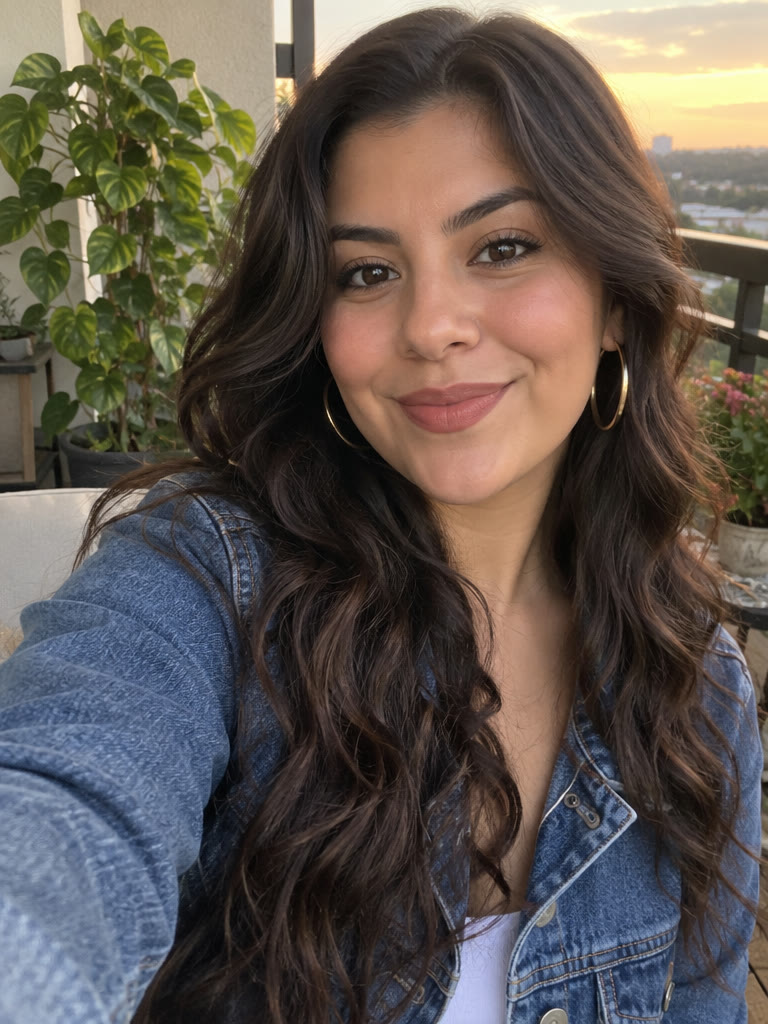
- Visible eyes and face, with even lighting.
- Include shoulders and the outfit you want as a reference.
- A sharp original image with a simple background.
Tiny Desk AI upload guide
For Tiny Desk AI, use one clear adult portrait in JPG, PNG or WebP up to 10 MB. Keep the face, eyes and shoulders visible, and get the person’s permission. Check your file locally below before returning to the generator.
JPG · PNG · WEBP / 10 MB
This checks format and size in your browser only. It does not upload your photo, run moderation or predict the result.
Your preview stays on this device. Photos are uploaded only when you create a video in the studio.
THE NEXT PERFORMANCE IS YOURS
Use the arranged Outstanding template to generate a roughly 19 second concert. Watch the example first, then decide whether to buy a video credit.
Make my Tiny Desk AI video