Sign in and buy video credits
Use your Google account and buy a video pack. Each completed video uses one paid credit. You can watch the example without buying.
Pricing ↗
Tiny Desk AI tutorial
To make a Tiny Desk AI video here, sign in with Google, buy a video credit and upload a clear adult portrait. The Outstanding concert template is already arranged, so you do not need a prompt or editing app.
Make my Tiny Desk AI videoUse your Google account and buy a video pack. Each completed video uses one paid credit. You can watch the example without buying.
Pricing ↗Choose one adult portrait in JPG, PNG or WebP, up to 10 MB. Confirm that the person has agreed to the AI performance. We check the photo before generation.
Photo requirements ↗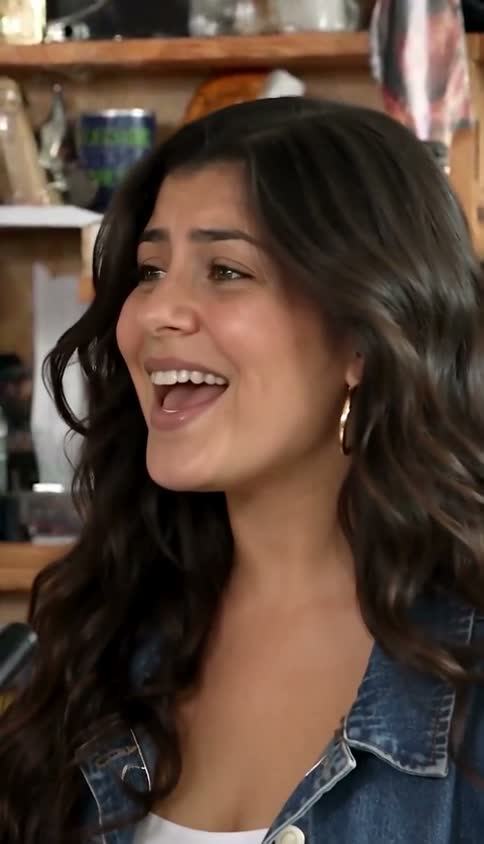
Follow progress in My videos. You can leave and come back using the same Google account. When the result is ready, download the portrait MP4 with sound.
My videos ↗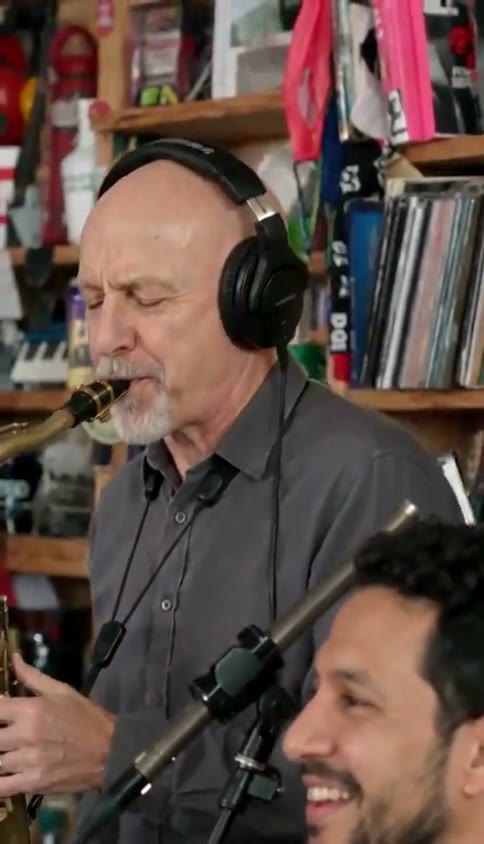
Your task moves through photo review, generation and a final video check. This usually takes several minutes, but provider queues vary. If a task needs review, do not submit the same photo again while support checks the original request.
A confirmed failure restores the original credit and its expiry. A completed video with imperfect likeness still uses a credit. Refunds for unused credits follow the refund policy.
Refund policy ↗THE NEXT PERFORMANCE IS YOURS
Use the arranged Outstanding template to generate a roughly 19 second concert. Watch the example first, then decide whether to buy a video credit.
Make my Tiny Desk AI video